Choosing the Right CRM System for Your Business
Guidance on choosing the right CRM system to enhance customer relationships and sales efficiency.
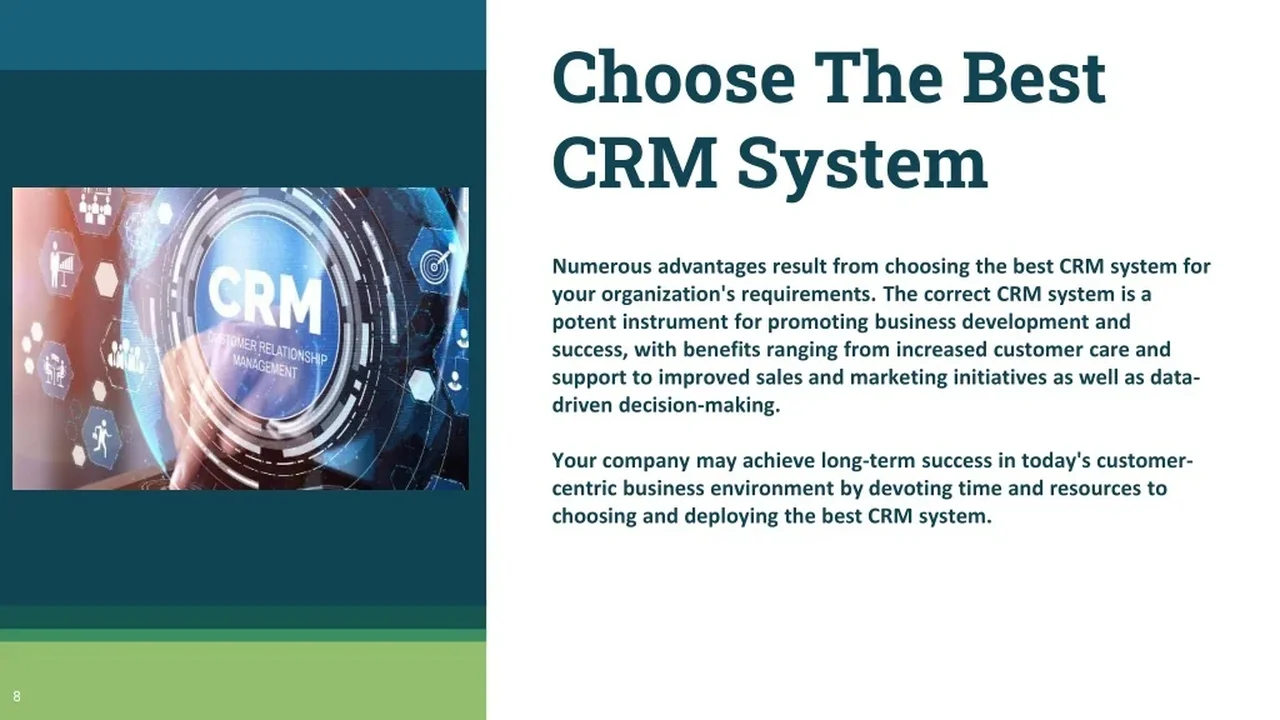
Guidance on choosing the right CRM system to enhance customer relationships and sales efficiency.
Choosing the Right CRM System for Your Business
Hey there, business owners and sales managers! Let's talk about something super important for your growth: Customer Relationship Management, or CRM systems. If you're looking to boost your customer relationships, streamline your sales process, and generally make your business run smoother, a CRM is your best friend. But with so many options out there, how do you pick the right one? It can feel like a maze, right? Don't sweat it. We're going to break down everything you need to know to make an informed decision, focusing on what works best for businesses in the US and Southeast Asia.
Understanding CRM What It Is and Why Your Business Needs It
First things first, what exactly is a CRM? At its core, a CRM system is a technology that helps businesses manage and analyze customer interactions and data throughout the customer lifecycle. The goal is simple: improve business relationships with customers, assist in customer retention, and drive sales growth. Think of it as a central hub for all your customer information – contact details, purchase history, communication records, support tickets, and more. This centralized data allows your team to have a 360-degree view of every customer, leading to more personalized interactions and better service.
Why do you need one? Well, in today's competitive landscape, customer experience is king. A good CRM helps you:
- Improve Customer Satisfaction: By understanding your customers better, you can offer more relevant products, services, and support.
- Boost Sales Efficiency: Automate repetitive tasks, track leads, manage pipelines, and identify sales opportunities more effectively.
- Enhance Marketing Campaigns: Segment your audience, personalize marketing messages, and track campaign performance.
- Streamline Customer Service: Provide faster, more informed support by having all customer history at your fingertips.
- Gain Valuable Insights: Analyze customer data to spot trends, predict future behavior, and make data-driven business decisions.
Whether you're a small startup in Silicon Valley or a growing enterprise in Singapore, a CRM can be a game-changer.
Key Features to Look for in a CRM System for Sales and Marketing
Alright, so you're convinced you need a CRM. Great! Now, what features should you be looking for? Not all CRMs are created equal, and the 'best' one really depends on your specific business needs. Here are some essential features to consider, especially for sales and marketing teams:
Contact and Lead Management Essential for Customer Data Organization
This is the bread and butter of any CRM. You need a system that can easily store, organize, and update all your contact information. This includes names, addresses, phone numbers, email, social media profiles, and any other relevant details. For leads, you'll want features that allow you to track their source, status, and interactions. A good CRM will also let you segment your contacts into different lists based on various criteria, which is super handy for targeted marketing campaigns.
Sales Pipeline Management and Forecasting Tools for Revenue Growth
For your sales team, a visual sales pipeline is invaluable. It allows them to see where each deal stands, what actions need to be taken next, and who is responsible. Look for features that support drag-and-drop functionality, customizable stages, and automated task creation. Forecasting tools are also crucial, helping you predict future sales and revenue based on your current pipeline and historical data. This is vital for strategic planning and resource allocation.
Marketing Automation and Email Campaign Integration for Engagement
If you're serious about marketing, your CRM should integrate seamlessly with marketing automation tools. This means being able to send personalized email campaigns, nurture leads with automated sequences, and track engagement metrics directly from your CRM. Look for features like email templates, A/B testing, and detailed analytics to optimize your campaigns. This helps you deliver the right message to the right person at the right time.
Customer Service and Support Functionality for Retention
A happy customer is a loyal customer. Your CRM should have robust customer service features, such as ticketing systems, knowledge bases, and live chat integration. This allows your support team to quickly access customer history, resolve issues efficiently, and provide consistent, high-quality service. Some CRMs even offer self-service portals for customers, reducing the load on your support staff.
Reporting and Analytics for Data Driven Decisions
What gets measured gets managed, right? A powerful CRM will offer comprehensive reporting and analytics capabilities. You should be able to generate custom reports on sales performance, marketing campaign effectiveness, customer service metrics, and more. Dashboards that provide a quick overview of key performance indicators (KPIs) are also a huge plus. These insights are critical for identifying areas for improvement and making informed business decisions.
Integration Capabilities with Other Business Tools
Your CRM won't operate in a vacuum. It needs to play nicely with your other business tools, like accounting software, project management platforms, and communication apps. Check for native integrations or robust API access that allows you to connect your CRM with the tools you already use. This prevents data silos and ensures a smooth workflow across your organization.
Mobile Accessibility for On-the-Go Productivity
In today's fast-paced world, your team needs to be productive wherever they are. A good CRM should offer a user-friendly mobile app that allows sales reps to update contacts, log calls, and access customer information on the go. This is especially important for field sales teams or anyone who spends a lot of time away from their desk.
Comparing Top CRM Systems for US and Southeast Asian Businesses
Now that we know what to look for, let's dive into some of the most popular CRM systems out there and see how they stack up. We'll consider their strengths, typical use cases, and general pricing structures, keeping in mind businesses operating in the US and Southeast Asia.
Salesforce Sales Cloud The Enterprise Powerhouse
Salesforce is often considered the gold standard in CRM, and for good reason. It's incredibly powerful, highly customizable, and offers a vast ecosystem of apps and integrations. Salesforce Sales Cloud is particularly strong for sales automation, lead management, and forecasting. It's a cloud-based solution, meaning you can access it from anywhere.
- Strengths: Unmatched customization, extensive app marketplace (AppExchange), robust reporting, scalability for large enterprises, strong community support.
- Use Cases: Ideal for medium to large enterprises with complex sales processes, multiple departments, and a need for deep customization. Companies in the US and larger corporations in Southeast Asia often leverage Salesforce for its comprehensive capabilities.
- Pricing: Starts around $25/user/month for basic editions, but can quickly go up to $300+/user/month for enterprise-level features. Be prepared for potential additional costs for extensive customization and integrations.
- Considerations: Can be overwhelming for small businesses due to its complexity and higher price point. Implementation can require significant resources and expertise.
HubSpot CRM The All-in-One Inbound Solution
HubSpot is famous for its inbound marketing methodology, and its CRM is built with that philosophy in mind. It offers a comprehensive suite of tools for marketing, sales, and customer service, all integrated into one platform. HubSpot CRM has a very generous free tier, making it attractive for startups and small businesses.
- Strengths: User-friendly interface, excellent free CRM, strong marketing automation capabilities, integrated sales and service hubs, great for inbound strategies.
- Use Cases: Perfect for small to medium-sized businesses (SMBs) that want an all-in-one solution for marketing, sales, and customer service. Startups in the US and growing businesses in Southeast Asia often find HubSpot's ease of use and integrated approach very appealing.
- Pricing: Free CRM available with core features. Paid plans for Sales Hub, Marketing Hub, and Service Hub start from around $45/month (billed annually) for starter editions, scaling up to thousands for enterprise versions.
- Considerations: While the free CRM is great, advanced features require paid subscriptions, which can add up if you need all three hubs. Customization options are not as extensive as Salesforce.
Zoho CRM Affordable and Feature-Rich for SMBs
Zoho CRM is part of the larger Zoho ecosystem, offering a wide range of business applications. It's known for being feature-rich and highly affordable, making it a strong contender for small to medium-sized businesses looking for a comprehensive solution without breaking the bank.
- Strengths: Cost-effective, extensive features even in lower-tier plans, good customization options, integrates well with other Zoho apps, strong presence and support in Southeast Asia.
- Use Cases: Excellent for SMBs and growing businesses that need a robust CRM without the enterprise-level price tag. Businesses in Southeast Asia, in particular, often find Zoho CRM's pricing and feature set very competitive and suitable for their market.
- Pricing: Free edition for up to 3 users. Paid plans start from around $14/user/month (billed annually) for the Standard edition, going up to $52/user/month for the Ultimate edition.
- Considerations: The sheer number of features can sometimes feel overwhelming for new users. The user interface, while functional, might not be as polished as some competitors.
Microsoft Dynamics 365 CRM for Microsoft Ecosystem Users
If your business is already heavily invested in the Microsoft ecosystem (think Office 365, Azure, etc.), then Microsoft Dynamics 365 CRM could be a natural fit. It offers a suite of business applications, including sales, customer service, field service, and marketing, all integrated within the Microsoft environment.
- Strengths: Deep integration with other Microsoft products, strong analytics and AI capabilities, scalable for enterprises, familiar interface for Microsoft users.
- Use Cases: Best suited for medium to large enterprises that are already using Microsoft products extensively and want a unified business platform. Companies in the US and larger organizations in Southeast Asia with existing Microsoft infrastructure will find this appealing.
- Pricing: Modular pricing, with different apps (Sales, Customer Service, Marketing) priced separately. Sales Professional starts around $65/user/month, with more advanced plans going higher.
- Considerations: Can be complex to implement and manage, especially for businesses not already familiar with Microsoft's enterprise solutions. Pricing can become substantial when combining multiple modules.
Pipedrive Sales Focused and Intuitive
Pipedrive is a CRM specifically designed by salespeople, for salespeople. Its core strength lies in its highly visual and intuitive sales pipeline management. If your primary goal is to optimize your sales process and track deals effectively, Pipedrive is definitely worth considering.
- Strengths: Extremely user-friendly, visual sales pipeline, strong focus on sales activities and deal management, good mobile app.
- Use Cases: Ideal for small to medium-sized sales teams that need a straightforward, sales-focused CRM. Startups and sales-driven businesses in both the US and Southeast Asia will appreciate its simplicity and effectiveness in managing deals.
- Pricing: Starts around $14.90/user/month (billed annually) for the Essential plan, up to $99/user/month for the Enterprise plan.
- Considerations: While excellent for sales, its marketing and customer service features are not as comprehensive as all-in-one solutions like HubSpot or Salesforce. You might need to integrate with other tools for those functions.
Implementation and Adoption Best Practices for CRM Success
Choosing the right CRM is only half the battle. Successful implementation and user adoption are crucial for getting a return on your investment. Here are some best practices to ensure your CRM project is a success:
Define Your Goals and Requirements Clearly
Before you even start looking at CRMs, sit down with your team and clearly define what you want to achieve. What problems are you trying to solve? What processes do you want to improve? What features are absolutely essential? Having a clear understanding of your goals will guide your selection process and prevent you from getting sidetracked by unnecessary features.
Involve Your Team Early and Often
Your sales, marketing, and customer service teams are the ones who will be using the CRM daily. Involve them in the selection process from the beginning. Get their input on desired features, pain points, and usability. This not only helps you choose a system that meets their needs but also fosters a sense of ownership and increases the likelihood of successful adoption.
Start Small and Scale Up
Don't try to implement every single feature on day one. Start with the core functionalities that address your most pressing needs. Get your team comfortable with the basics, and then gradually introduce more advanced features. This phased approach reduces overwhelm and allows for smoother integration into your existing workflows.
Provide Comprehensive Training and Ongoing Support
Training is non-negotiable. Don't just throw your team into a new system and expect them to figure it out. Provide thorough training sessions, create user guides, and offer ongoing support. Make sure there's a designated person or team who can answer questions and troubleshoot issues. Remember, a CRM is only as good as its users.
Clean and Migrate Your Data Carefully
Garbage in, garbage out! Before migrating your existing customer data to the new CRM, take the time to clean it up. Remove duplicates, update outdated information, and standardize formats. A clean database will ensure the accuracy of your CRM data and prevent headaches down the line.
Monitor Performance and Gather Feedback
Once your CRM is up and running, don't just set it and forget it. Regularly monitor its performance, track key metrics, and gather feedback from your users. Are they finding it helpful? Are there any bottlenecks? Use this feedback to make adjustments, optimize processes, and ensure your CRM continues to meet your evolving business needs.
The Future of CRM AI and Personalization Trends
The CRM landscape is constantly evolving, with exciting new trends shaping its future. Two major areas to keep an eye on are Artificial Intelligence (AI) and hyper-personalization.
AI Powered CRM Predictive Analytics and Automation
AI is already making a significant impact on CRMs, and its role will only grow. AI-powered CRMs can offer predictive analytics, helping you identify which leads are most likely to convert, which customers are at risk of churning, and what products or services to recommend next. AI can also automate even more tasks, from data entry to scheduling emails, freeing up your team to focus on more strategic activities. Imagine a CRM that can tell your sales reps the best time to contact a lead or suggest the most effective talking points based on past interactions. That's the power of AI.
Hyper Personalization Delivering Tailored Customer Experiences
Customers today expect personalized experiences. They want to feel understood and valued. CRMs, especially with the help of AI, are moving towards hyper-personalization. This means not just addressing a customer by their first name, but understanding their unique preferences, behaviors, and needs to deliver truly tailored interactions. From personalized product recommendations to customized marketing messages and proactive customer service, hyper-personalization will be key to building lasting customer loyalty.
So, there you have it! Choosing the right CRM system is a strategic decision that can significantly impact your business's success. By understanding your needs, evaluating key features, comparing top solutions, and implementing best practices, you'll be well on your way to enhancing customer relationships and driving sales efficiency, whether you're operating in the bustling markets of the US or the dynamic economies of Southeast Asia. Happy CRM hunting!
:max_bytes(150000):strip_icc()/277019-baked-pork-chops-with-cream-of-mushroom-soup-DDMFS-beauty-4x3-BG-7505-5762b731cf30447d9cbbbbbf387beafa.jpg)